
Peak Forms · File uploads
Briefings, documents and photos,
without email ping-pong.
File uploads in forms are planned and not live yet. Until then, you collect files through a link field and turn any response into a task if something is missing.
What should your form clarify?
Points for fit, need, urgency and decision
Not live yet: uploading files by respondents.

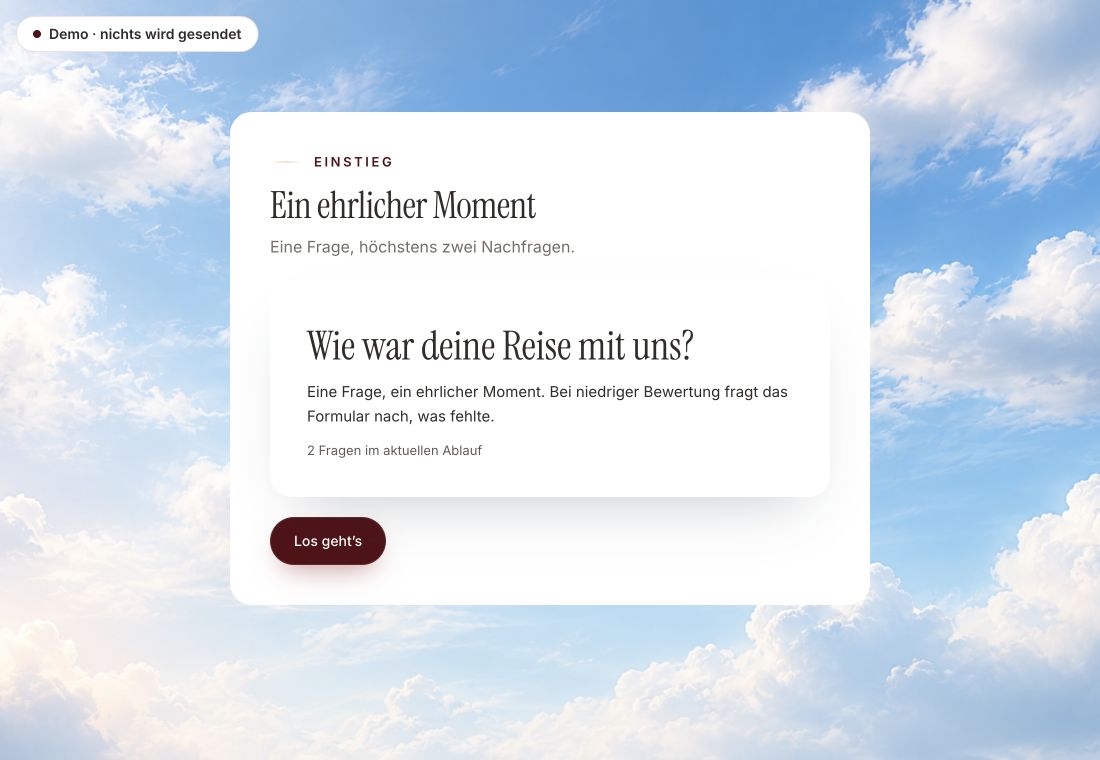
- Original product player
- Try without an account
- No answer saved
01 / Experience the product
Don't just look. Answer yourself.
The customer voice runs in the real Peak Forms player. A low rating opens an additional follow-up.
Original capture · 26 October 2026 · Product demo No saving, no workspace, no activation.
How to start today
Complete documents in three steps.
A fictional agency asks for goals, timing and budget. For the logo and documents, it asks for a link to a shared folder.
- 01 / How to manage today
Add a link field
Add a website field and describe in the help text what belongs in the folder.
Briefing “Website relaunch”Website field: “Link to your folder with logo and texts”Help text: “Please share the folder for viewing.”If empty: Result “Review” and task “Request documents” - 02 / What works today
A rule for empty answers
Set a “Review” result for responses where the link is missing.
Collect documents without an upload field.Link field with a checkSpot what's missingFollow up as a task - 03 / File uploads
Follow up
Turn every response without a link into a task and ask for the documents specifically.
A project briefing with a link instead of an attachment.Built with today's field types



Trust needs clarity
Clear about what happens here.

Scope of this preview
- 01Limits
- Peak Forms does not accept files from respondents today, so it cannot promise file types, sizes or virus scanning. A shared link stays text; who may open it is decided by the service that hosts the files.
- 02Briefing “Website relaunch”
- Example with fictional content. Peak Forms only stores the link, not the files behind it.
- 03A safe demo
- Test answers stay in the demo. They are neither saved nor taken into your workspace.
The next step
Collect documents in order already today.
Build your briefing with a link field and follow-up. Uploads will follow.
Start free in Peak FormsNot live yet: uploading files by respondents.
Status
Uploads by status.
File uploads are intended for the Tools plan. Limits for uploads and storage are on the pricing page.
Files
- FiluppladdningNot live yet
Upload documents right in the form.
Use the webhook until then - FotouppladdningNot live yet
Take or pick pictures right from the phone.
Use the webhook until then - Länk till filerLive
Website field for a shared folder or a portfolio.
Connect i Peak One
Frequently asked questions
From which plan are uploads available?
File uploads are intended for the Tools plan and still being built. Until then they are neither a feature nor a promise.
Can I collect application documents?
Yes, via a link to a portfolio or folder, as in the “Portfolio application” template. Attachments in the form arrive with file uploads.
Can I add images to my questions?
Yes. Images for your questions come from your form's media library. That only concerns what you show, not what others upload.