
Peak Forms · Video & voice
Some answers are easier
to say than to type.
A briefing, a short introduction video, spoken feedback: video and voice answers are planned for Peak Forms but not live yet. This page shows honestly what already works today.
What should your form clarify?
Points for fit, need, urgency and decision
Not live yet: recording video or audio by respondents.

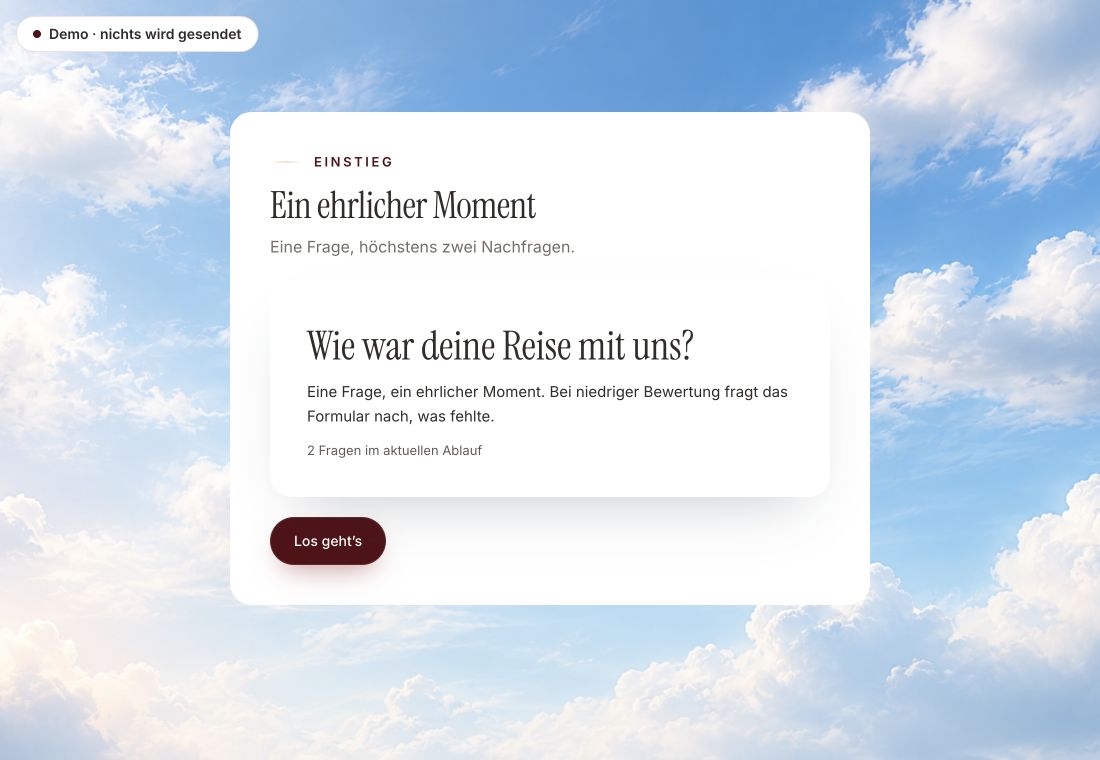
- Original product player
- Try without an account
- No answer saved
01 / Experience the product
Don't just look. Answer yourself.
The customer voice runs in the real Peak Forms player. A low rating opens an additional follow-up.
Original capture · 26 October 2026 · Product demo No saving, no workspace, no activation.
How to start today
Three steps to a form with movement.
A fictional coach wants to hear what it is about before the first call. Instead of a recording in the form, he asks for a short text answer and, optionally, a link to a self-recorded video.
- 01 / How to manage today
Ask an open question
Use a “Long answer” for anything someone wants to tell in detail.
First call preparationLong answer: “What should have changed in three months?”Website field: Optional: link to your short videoPresentation: Immersive, with a moving background - 02 / What exists today
Offer a link as an option
A website field, not required, for a video or voice message that is already online.
Movement in the form, answers as text.Moving backgroundsSound only on requestLong text answers - 03 / Video & voice
Choose the presentation
Choose the immersive presentation if the form itself should feel alive, and check it in the preview.
A first coaching call, prepared with text and a link.Built with today's field types



Trust needs clarity
Clear about what happens here.

Scope of this preview
- 01Limits
- Peak Forms does not record video or audio from respondents today and stores no files from them. A shared link is just text; whether the video behind it is reachable depends on the site that hosts it.
- 02First call preparation
- Example with fictional content. The link leads to a video the person uploaded themselves; Peak Forms only stores the link.
- 03A safe demo
- Test answers stay in the demo. They are neither saved nor taken into your workspace.
The next step
Start with text. Movement is already here.
Build your form today with open questions and an immersive presentation. Video and voice answers will follow.
Start free in Peak FormsNot live yet: recording video or audio by respondents.
Status
What is planned and what is live.
Video and voice answers are on the Peak Forms product plan. They can't be used until they are marked live here.
Answers
- VideosvarNot live yet
Respondents record a short video right in the form.
Use the webhook until then - RöstsvarNot live yet
Respondents speak their answer instead of typing.
Use the webhook until then - Långt svarLive
Detailed text answer, on phones also via keyboard dictation.
Connect i Peak One
Presentation
- Filmade scenerLive
Curated moving backgrounds in the immersive presentation.
Connect i Peak One - LjudLive
Optionally offered, starts only after a click.
Connect i Peak One
Frequently asked questions
When will video and voice answers arrive?
They are planned, but there is no date yet. This page will mark them live as soon as they can be used.
Can I upload my own video as a background?
The immersive presentation uses filmed scenes that Peak Forms checks first: still image, duration and a calm, flicker-free playback.
Does dictation work on a phone?
Yes, in text fields via the phone keyboard's dictation. That is a feature of the device, not a Peak Forms feature of its own.