
Peak Forms · Form links
A link that stays,
with your domain around it.
When published, every form gets a fixed address that doesn't change with new versions. Under your own domain, you show it today via embedding; own form domains are planned.
What should your form clarify?
Points for fit, need, urgency and decision
Not live yet: your own domain or subdomain for the form address.

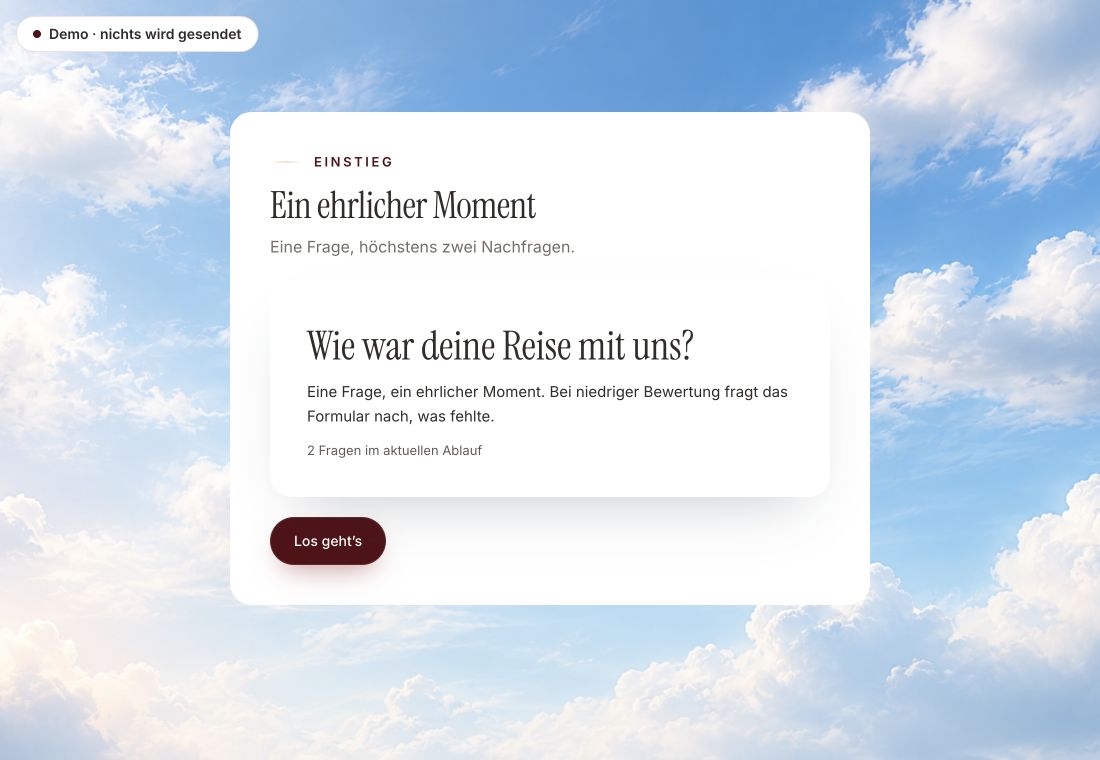
- Original product player
- Try without an account
- No answer saved
01 / Experience the product
Don't just look. Answer yourself.
The customer voice runs in the real Peak Forms player. A low rating opens an additional follow-up.
Original capture · 26 October 2026 · Product demo No saving, no workspace, no activation.
How to start
Your form under your domain.
A fictional consultancy uses an inquiry form in emails, on its own website and on a flyer.
- 01 / Three addresses, one form
Publish
Only publishing creates the fixed address.
Inquiry form “First call”Public link: app.peak-atlas.com/f/k7m2xq9rtdOn your website: consulting-example.com/contact, via embedCampaign link: …/f/k7m2xq9rtd?utm_source=flyer - 02 / What applies today
Embed the code
Copy the embed code under “Share” and place it on your contact page.
Stable links, clearly separated.Fixed linkYour domain via embedCampaigns visible - 03 / Form links
Mark campaigns
Add UTM parameters for flyers, newsletters or ads and create a QR code if needed.
How link, embed and own domain differ.Addresses from “Share”



Trust needs clarity
Clear about what happens here.

Scope of this preview
- 01Limits
- Own form domains, subdomains and readable addresses are planned but not live. The direct link always runs through app.peak-atlas.com today. If you want to show your domain, embed the form on your own website.
- 02Inquiry form “First call”
- Example with a fictional address and domain. The public ID is random and never the internal form ID.
- 03A safe demo
- Test answers stay in the demo. They are neither saved nor taken into your workspace.
The next step
Publish, embed, share.
Build your form and put it on your website today.
Start free in Peak FormsNot live yet: your own domain or subdomain for the form address.
Stav
Addresses by status.
Public address, own domain and removing the Peak notice are three different things.
Addresses
- Veřejný odkaz /f/…Živě
Fixed address for every published form.
Connect v Peak One - Vložení na tvůj webVia embed
The form appears under your domain.
Get the embed code - Vlastní doména formulářůNot live yet
For example forms.your-company.com, intended from the Tools plan.
Use the webhook until then - Srozumitelná adresa místo identifikátoruNot live yet
Your own name in the path instead of a random ID.
Use the webhook until then
Frequently asked questions
Does the link change with a new version?
No. The link stays; only the content behind it becomes the new version.
Is an own domain the same as no Peak notice?
No. Removing “Made with Peak Atlas” is a separate feature, intended from the Tools plan.
Can I choose the ID in the link myself?
Not today. The ID is random so no one can guess other forms.