
Peak Forms · Notifications
New inquiry?
You know right away.
As soon as someone submits your form, the inquiry goes to your team: as a mail with the answers, as a note in the inbox or as a webhook to your other tool.
What should your form clarify?
Points for fit, need, urgency and decision
Team mails only go to members of your workspace, never to third parties.

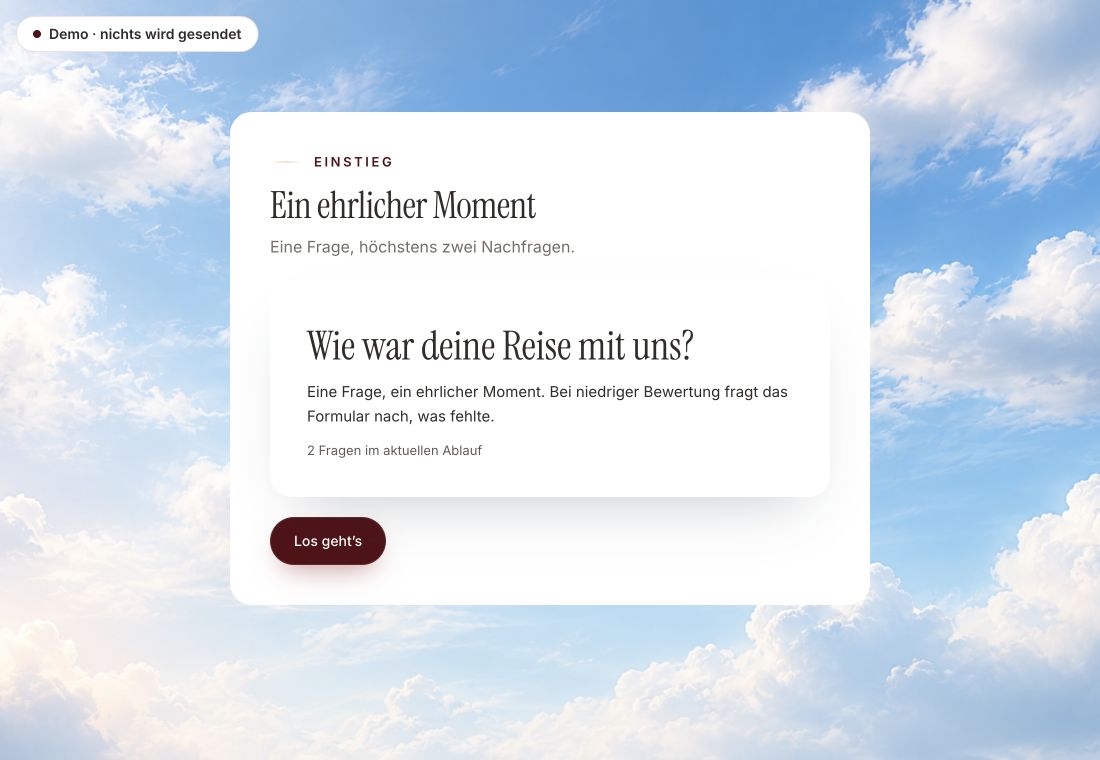
- Original product player
- Try without an account
- No answer saved
01 / Experience the product
Don't just look. Answer yourself.
The customer voice runs in the real Peak Forms player. A low rating opens an additional follow-up.
Original capture · 26 October 2026 · Product demo No saving, no workspace, no activation.
How to set it up
Set it once, then it runs.
The mail names the person, contact details, up to twelve answers and the source with campaign. A link opens the contact in Peak One.
- 01 / The team mail
Define results
Decide which result should notify you. The quality check reminds you.
Team mailSubject: Neue Anfrage: Jonas Weber · qualifiziertSource: Peak Forms · First meeting · source newsletter / autumnAnswers: Need, budget, timing … - 02 / Three ways
Add a webhook
Enter an https address and pick the events. Peak One creates a secret to verify the signature.
Where your team works.Team mailInbox noteWebhook - 03 / Notifications
Check with a test
Send a test inquiry and see whether mail and webhook arrive.
Everything important is in the subject.Structure of the Peak One team mail



Trust needs clarity
Clear about what happens here.

Scope of this preview
- 01What doesn't exist
- Peak Forms has no native Slack or Teams integration; you get there through the webhook and Zapier, Make or n8n. Confirmation mails to the person who fills in the form are not covered on this page.
- 02Team mail
- Fictional inquiry. The subject line is currently German in the product.
- 03A safe demo
- Test answers stay in the demo. They are neither saved nor taken into your workspace.
The next step
Reply while the inquiry is warm.
Start with an inquiry form and turn on notifications.
Start free in Peak FormsTeam mails only go to members of your workspace, never to third parties.
Frequently asked questions
Is a mail sent for spam too?
No. Submissions recognized as spam are stored but not passed on as leads.
How do I verify a webhook comes from Peak?
Each delivery carries an HMAC-SHA256 signature with a timestamp in the Peak-Signature header. The developer page shows the format.
Can a webhook arrive twice?
On a retry the same event arrives with the same ID. Your receiver recognizes duplicates by that ID.