
Peak Forms · Surveys
A survey people
actually finish.
With Peak Forms you build customer, employee and feedback surveys from ratings, scales, NPS, choices and open answers. You decide whether it runs anonymously, question by question or as a conversation, and then see where people drop off.
What should your form clarify?
Points for fit, need, urgency and decision
Start in your browser without an account, sign up only to save.

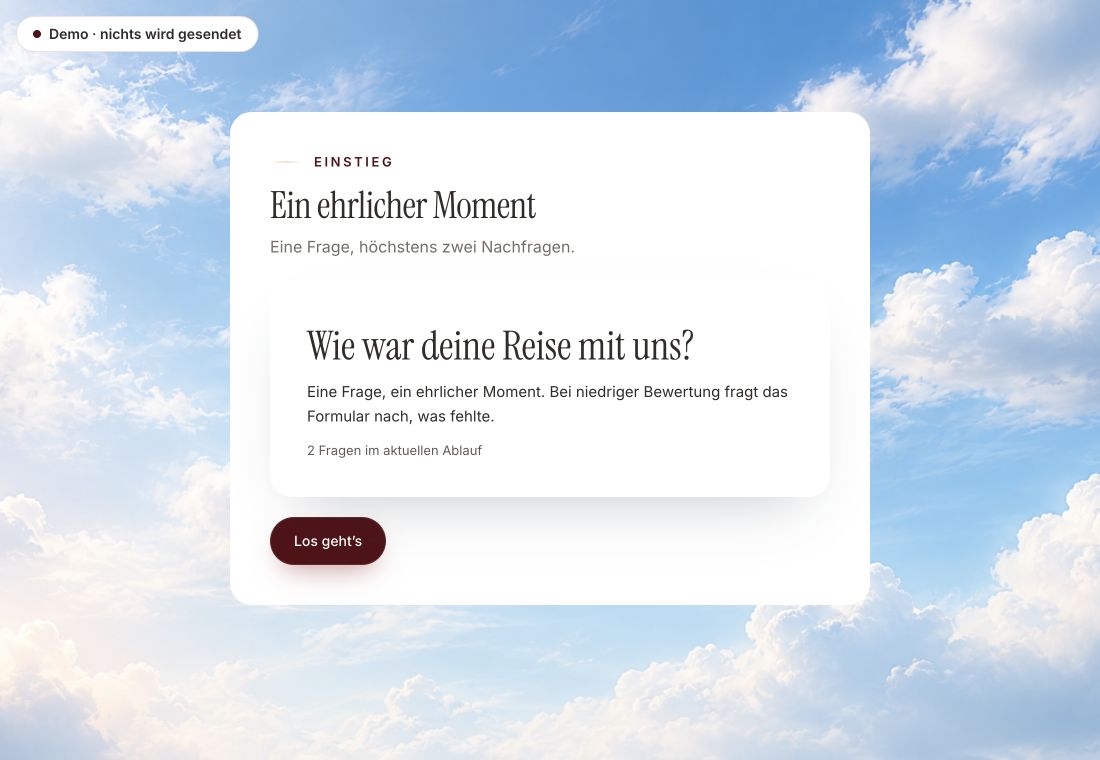
- Original product player
- Try without an account
- No answer saved
01 / Answer it yourself
A real survey in the Peak Forms player.
The customer voice asks with a scale from 0 to 10. A low rating opens an extra follow-up question.
Original capture · 26 October 2026 · Product demo No saving, no workspace, no activation.
02 / How it works
A survey in three steps.
A fictional online shop checks in after delivery. Whoever gives a low rating gets a follow-up question, whoever rates well does not.
- 01 / Questions
Choose questions
Start with a template or a sentence on what you want to know, then adjust the questions.
The question types surveys need.Rating and scaleNPS from 0 to 10Choices and open answers - 02 / Share
Share
Send the link, embed the survey or print a QR code.
Where people are.LinkEmbedQR code - 03 / Review
Review
Filter responses by value, read open answers and export everything as CSV.
See drop-offs.Starts and completion rateFilter by valueCSV export



Trust needs clarity
Clear about what happens here.

Scope of this preview
- 01Anonymous or with contact
- With the setting “no contact”, Peak Forms creates no contact. Otherwise an email becomes a contact in Peak One.
- 02A safe demo
- Test answers stay in the demo. They are neither saved nor taken into your workspace.
- 03What Peak Forms does not do today
- Charts per answer option and results that participants see live do not exist in Peak Forms yet. Reports show form metrics; you count individual values with filters or in the CSV export. Several languages in one survey are planned.
The next step
Ask what you want to know.
Start the survey in your browser and save it when it fits.
Start in your browserStart in your browser without an account, sign up only to save.
Frequently asked questions
Can I run an anonymous survey?
Yes. Set contact to “no contact” and do not ask for an email. Then Peak Forms creates no contact.
How do I calculate the NPS?
The NPS question collects values from 0 to 10. You can work out the score with the NPS calculator from the exported values.
Can I follow up on a low rating?
Yes. With conditional logic you show a question only when a rating is below a value.