
Peak Forms · Results
The end of the form is
the start of the next step.
Instead of a generic “thank you”, Peak Forms shows the result that fits the answers: a message, a meeting in Peak Booking or a redirect to your page.
What should your form clarify?
Points for fit, need, urgency and decision
The summit journey in the try ends with a different result depending on the answers.

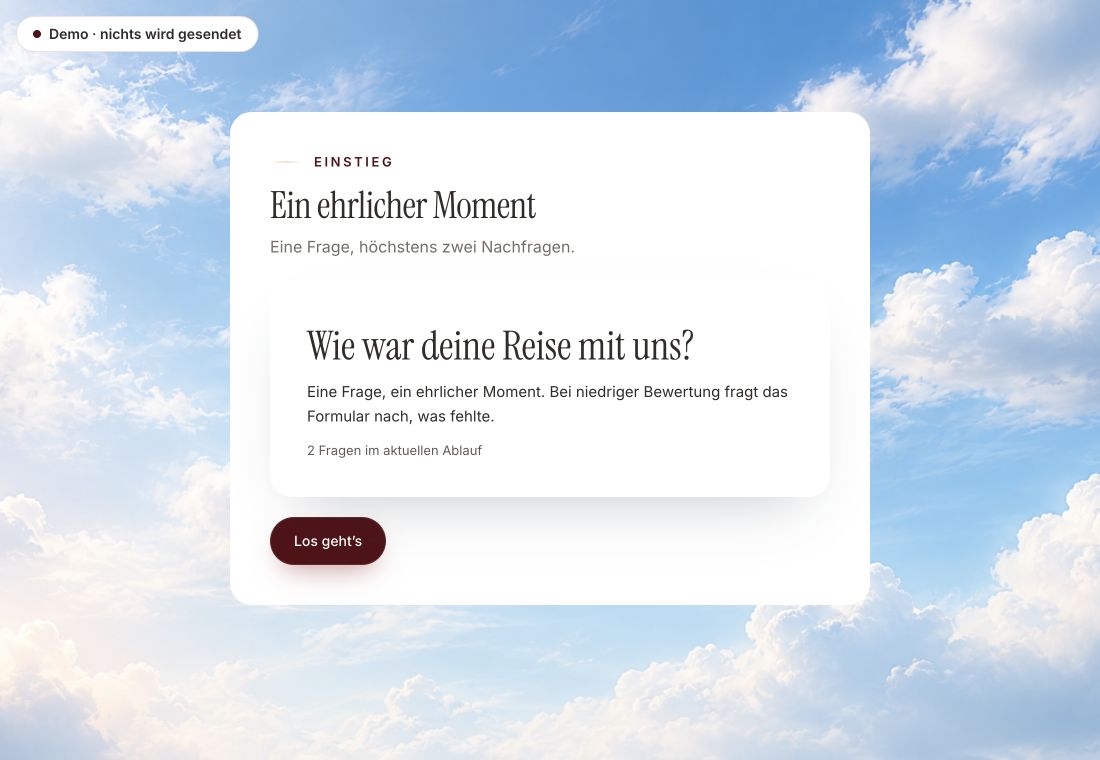
- Original product player
- Try without an account
- No answer saved
01 / Experience the product
Don't just look. Answer yourself.
The customer voice runs in the real Peak Forms player. A low rating opens an additional follow-up.
Original capture · 26 October 2026 · Product demo No saving, no workspace, no activation.
How to set it up
Results in three steps.
Peak Forms checks results from top to bottom and shows the first whose conditions are met. A fallback result always applies.
- 01 / Three results, one form
Create a fallback
A result for all other answers. Without it the quality check won't let you publish.
Results of an inquiry formQualified: Pick a time → Peak BookingReview: Message: “We'll get back to you by Friday.”Not a fit: Continue → guide on your website - 02 / Three kinds
Set conditions
Further results get conditions on answers or points and a decision such as “qualified”.
Message, meeting or redirect.MessageBookingRedirect - 03 / After submitting
Play it through
Check in the preview which result appears for which answers.
Whoever fits books a meeting right away.Result kinds from the Peak Forms editor



Trust needs clarity
Clear about what happens here.

Scope of this preview
- 01Good to know
- Redirect and booking appear as a button on the result page; Peak Forms doesn't redirect without a click. The booking page has to exist in Peak Booking.
- 02Results of an inquiry form
- Fictional results. You write the texts yourself.
- 03A safe demo
- Test answers stay in the demo. They are neither saved nor taken into your workspace.
The next step
Take every answer further.
Play the summit journey to its result, then design your own endings.
Start free in Peak FormsThe summit journey in the try ends with a different result depending on the answers.
Frequently asked questions
Can I use my own button labels?
Yes. Without your own label, the button says “Pick a time” or “Continue”.
Is the decision saved?
Yes. Qualified, review, not a fit or recorded is stored with the response and feeds the report.
Can I redirect to another site?
Yes, to any https address. For Peak Booking meetings you use the booking result.