

4/ 10Low rating
What would we need to change to make it a 10?
Then
What did you like best?
Additional follow-up · then the last question
Peak Forms · Conditional logic
With “if … then …” rules, Peak Forms only shows what fits the previous answer. Nobody reads follow-up questions that don't concern them.
Start free in Peak FormsThe customer voice in the try shows the logic live: at 0 to 6 a follow-up appears.
01 / Your rating
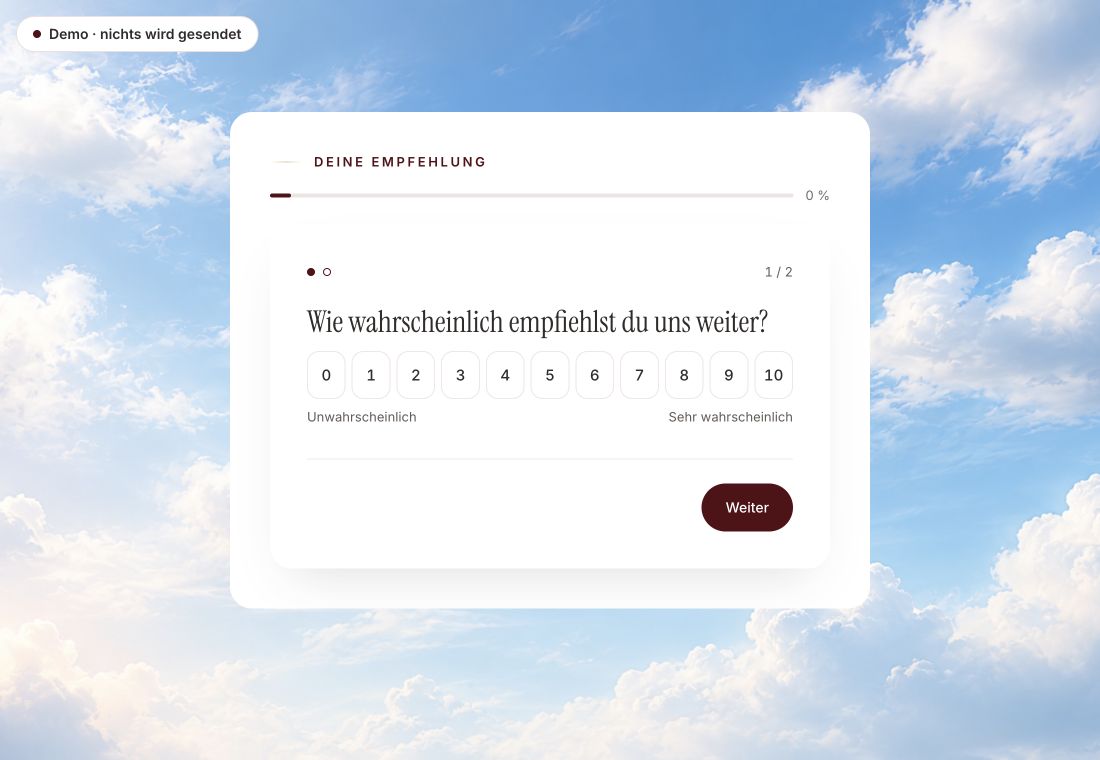
How likely are you to recommend us?
Additional follow-up · then the last question
Change the rating. The next step follows your answer.
Local template · nothing sent
Two checked answers
Schematic overview of the demo paths checked with 4 and 10. Not a general rule for other forms.
What did you like best?
Additional follow-up · then the last question
Straight to the last question · shorter path
01 / A traceable difference
Choose a low rating first, then start again with a high one. Compare which follow-up appears.
Original capture · 26 October 2026 · Product demo No saving, no workspace, no activation.
Trust needs clarity
01 / The existing evidence
What was checked is the customer voice experience. Your own rules must be tested separately in the editor.
02 / Your check
Also test changed answers, required fields and every reachable ending.
Check the follow-up and the ending again.
03 / The clear limit
A rule can have up to 20 conditions. Formulas with your own variables exist only for calculator forms; rules themselves don't calculate.
The next step
Try the logic in the customer voice, then build your own form.
Start free in Peak FormsThe customer voice in the try shows the logic live: at 0 to 6 a follow-up appears.
No. You assemble rules from questions, comparisons and actions. There is no code.
Yes. A condition can check the total score or a dimension, for example “at least 12 points”.
Hidden questions are not part of the submission. Peak Forms checks before saving which questions were visible to this person.
