
Peak Forms · Invite & follow up
Invite, track,
remind only where needed.
You send the form link to the people you want to ask. Under Dialogs Peak Forms shows who submitted or started, and helps you keep the reminder to the right people.
What should your form clarify?
Points for fit, need, urgency and decision
Today you send with your own mail tool. Sending straight from Peak Forms is planned but not live yet.

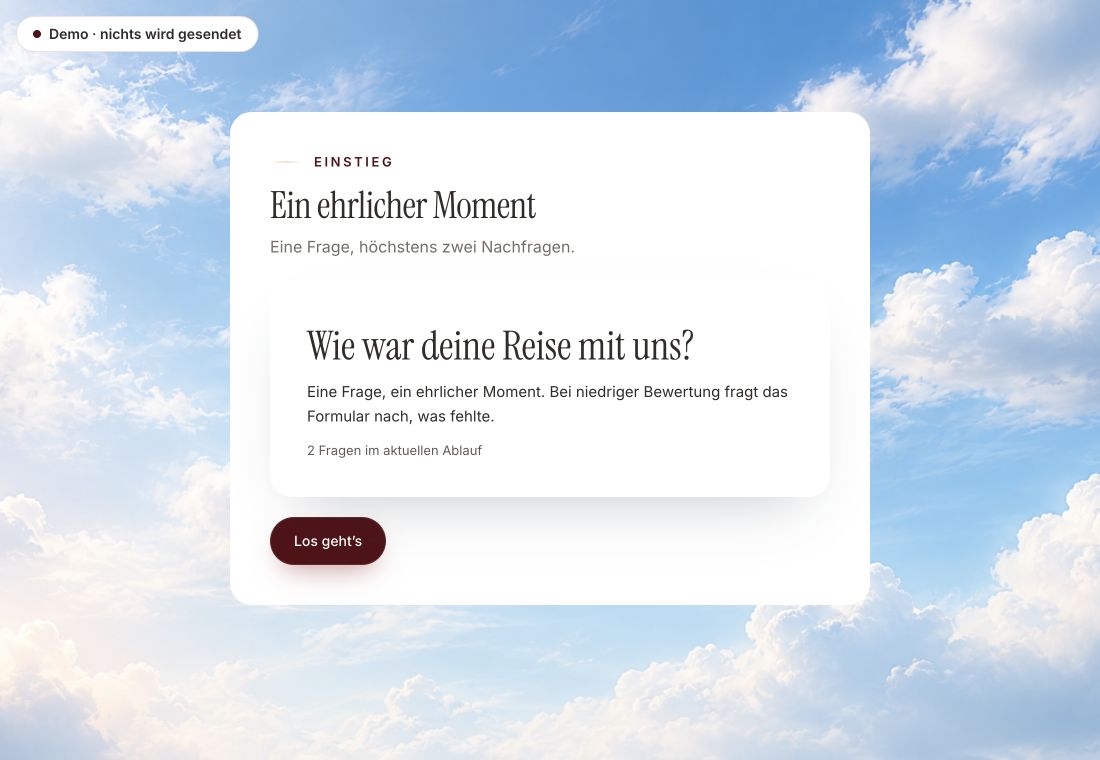
- Original product player
- Try without an account
- No answer saved
01 / Experience the product
Don't just look. Answer yourself.
The customer voice runs in the real Peak Forms player. A low rating opens an additional follow-up.
Original capture · 26 October 2026 · Product demo No saving, no workspace, no activation.
How an invitation runs
Three steps, one clean reminder.
A team invites customers to a workshop. The link carries its source, the answers land as contacts under Dialogs, and only people who are missing get a reminder.
- 01 / The flow in one example
Prepare the form
Add an e-mail question and a consent field, turn on contact creation and progressive saving, and add a hidden field for the source.
Dialogs · Confirm attendanceLink in the invitation: …/attendance?source=invite-maySubmitted: 23 people · contacts in Peak OneStarted: 4 · progressive saving is on - 02 / What Peak Forms takes care of
Send the invitation
Put the link with its source value into your invitation and send it from your mail tool, only to contacts you may write to, with an unsubscribe link.
Less chasing, no mails to the wrong people.Who answeredWho startedWhere the answer comes from - 03 / Invitations & reminders
Remind once, on purpose
After a few days check under Dialogs who submitted and remind only the rest. A task in Peak Work holds the date.
Workshop reply, five days after the invitation.“Submitted” and “started” filters under Dialogs



Trust needs clarity
Clear about what happens here.

Scope of this preview
- 01What is still missing today
- Today Peak Forms sends no invitations and no automatic reminders, and it doesn't know your invitation list. Sending with history straight from Peak Forms is planned but not live. You manage consent and unsubscribes in the mail tool you send with.
- 02Dialogs · Confirm attendance
- Fictional numbers for illustration. People who did not react at all show up when you compare with your own invitation list.
- 03A safe demo
- Test answers stay in the demo. They are neither saved nor taken into your workspace.
The next step
Ask the right people and remind only who is missing.
Build your invitation form without an account and see the first replies under Dialogs.
Start free in Peak FormsToday you send with your own mail tool. Sending straight from Peak Forms is planned but not live yet.
Frequently asked questions
Can Peak Forms send the invitations itself?
Not yet. Sending from Peak Forms is planned. Until then you put the link into a mail from your own mail tool.
How do I see who hasn't answered yet?
Under Dialogs you see everyone who submitted or started. Who is missing follows from comparing with your invitation list.
What applies to reminder mails?
Only remind people you may write to, respect unsubscribes and remind sparingly, usually once. This is practical guidance, not legal advice.
Can I tie answers to a campaign?
Yes. A hidden field takes the value from the link and stores it with the response.