
Peak Forms · Dialogs
Responses become contacts,
not spreadsheet rows.
Under Dialogs you see every response and, when the person gives their e-mail, the contact behind it. Someone who fills in several forms appears once with all their responses.
What should your form clarify?
Points for fit, need, urgency and decision
Contacts are only created when you set it in the form. Anonymous forms stay anonymous.

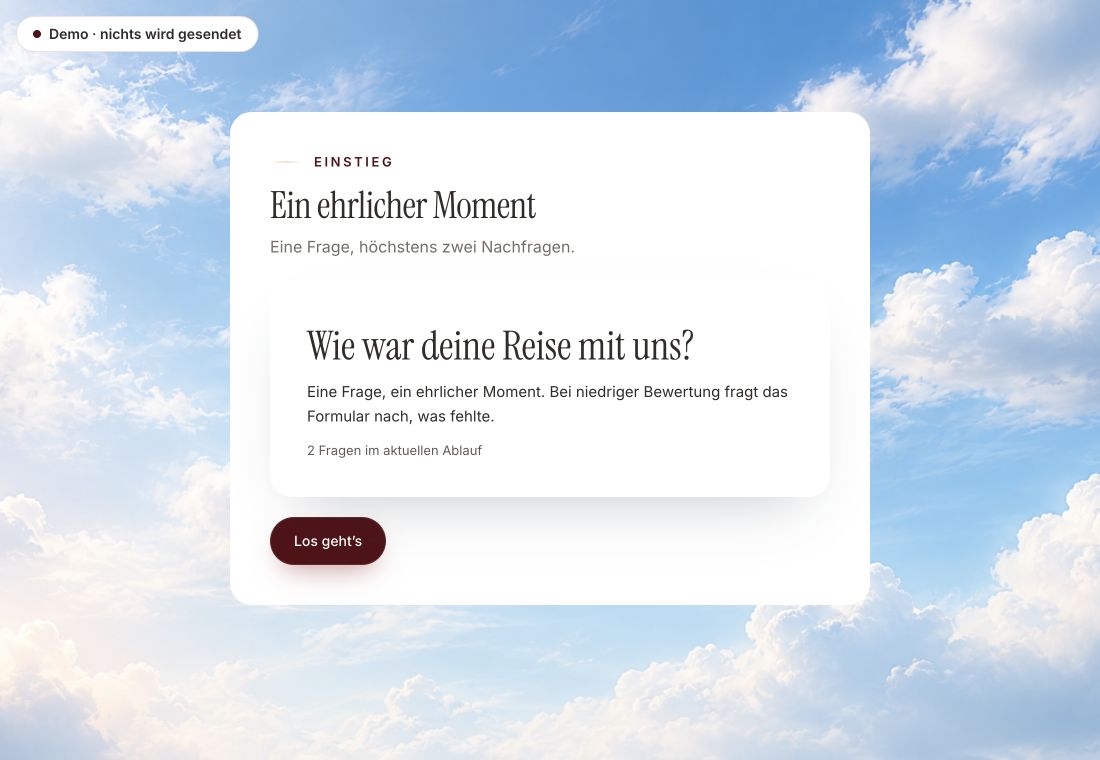
- Original product player
- Try without an account
- No answer saved
01 / Experience the product
Don't just look. Answer yourself.
The customer voice runs in the real Peak Forms player. A low rating opens an additional follow-up.
Original capture · 26 October 2026 · Product demo No saving, no workspace, no activation.
How to set it up
Three settings, one flow.
Peak Forms links the responses through the contact in Peak One. The data exists once; Forms doesn't keep a second contact list.
- 01 / One person, all responses
Add an e-mail question
Without an e-mail field no contact is created. The quality check points this out.
Dialogs · PeopleContact: Lena Berger · lena@example.comResponses: First meeting request, workshop feedbackStatus: New - 02 / What Dialogs bring together
Turn on contact creation
In the form settings you choose whether respondents become contacts in Peak One.
One place for everything after submit.All responsesPeopleReview state - 03 / Contacts & responses
Work through responses
Open new responses under Dialogs, create a task and mark them as reviewed.
Lena answered twice.“People” view under Dialogs



Trust needs clarity
Clear about what happens here.

Scope of this preview
- 01What Forms deliberately doesn't do
- An e-mail address alone doesn't make a person: only responses linked to a contact appear under People. For sensitive forms only name and e-mail go into the contact, never the answers. You maintain contacts in Peak CRM, not in Forms.
- 02Dialogs · People
- Fictional person for illustration.
- 03A safe demo
- Test answers stay in the demo. They are neither saved nor taken into your workspace.
The next step
No response gets lost anymore.
Start with an inquiry form and see your first contacts under Dialogs.
Start free in Peak FormsContacts are only created when you set it in the form. Anonymous forms stay anonymous.
Frequently asked questions
Do I need Peak CRM for this?
Contacts live in Peak One and are the same in every app. For pipeline and deals you use Peak CRM; for responses Forms is enough.
Do I see abandoned responses too?
Yes, if you turned on progressive saving. They have the status “started” and can be filtered.
Can I file several responses at once?
Yes, up to 2,000 in one step. Peak Forms then reports exactly which ones worked.