
Peak Forms · Polls
Quickly ask
what most people want.
A date for the team dinner, an image for the next campaign, a topic for the workshop: with Peak Forms you ask one question with choices or yes/no, share the link and count the votes in the responses afterwards.
What should your form clarify?
Points for fit, need, urgency and decision
No live result for voters; you count in your responses.

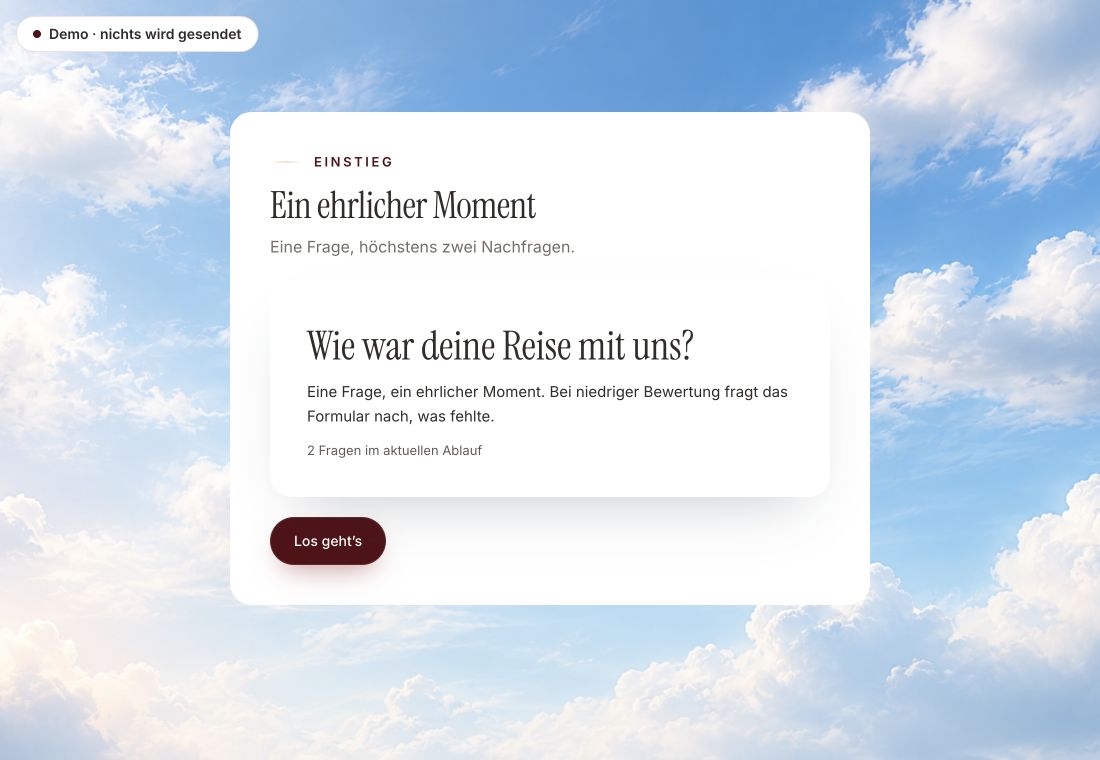
- Original product player
- Try without an account
- No answer saved
01 / Try the player
The same player, a survey example.
The example is the customer voice, a survey in the real Peak Forms player. A poll uses the same forms with a choice question.
Original capture · 26 October 2026 · Product demo No saving, no workspace, no activation.
02 / How it works
Run a poll in three steps.
A fictional office with twelve people votes on three destinations. The link goes to the team chat, the QR code hangs in the kitchen.
- 01 / Question
Ask the question
One question with choices, optionally a field for own ideas.
The question fits the decision.Single or multiple choiceDropdownYes/no - 02 / Share
Share the link
By chat, mail, website or QR code.
Where people are.Chat or mailवेबसाइटQR code for a notice board - 03 / Count
Count and pause
Count the votes and pause the form when the poll is over.
Votes in your responses.Filter per optionCSV exportPause the form



Trust needs clarity
Clear about what happens here.

Scope of this preview
- 01You count in your responses
- In the responses you filter by an option and see how many chose it. For spreadsheets there is the CSV export.
- 02A safe demo
- Test answers stay in the demo. They are neither saved nor taken into your workspace.
- 03What Peak Forms does not do today
- Peak Forms shows voters no live result and draws no chart per option. That each person votes only once can only be traced through a required email, it is not technically blocked. For decisions with a quorum and a fixed close, Peak One has its own app, Peak Polls.
The next step
One question is often enough.
Put your poll together in your browser, without an account.
Start in your browserNo live result for voters; you count in your responses.
Frequently asked questions
Is the poll anonymous?
If you do not ask for an email and switch off contact, yes. Then you cannot spot repeat votes, though.
How do I end the poll?
Pause the form. After that the link accepts no more votes.
Can voters see the result?
Not automatically. You can share the result yourself after counting.