
Peak Forms · Quiz & self-assessment
A quiz that says something
useful at the end.
In Peak Forms you give each answer points, assign them to areas and decide which result appears at which score. That turns questions into a self-assessment, a knowledge quiz or a product finder.
What should your form clarify?
Points for fit, need, urgency and decision
Points and result rules never reach the browser.

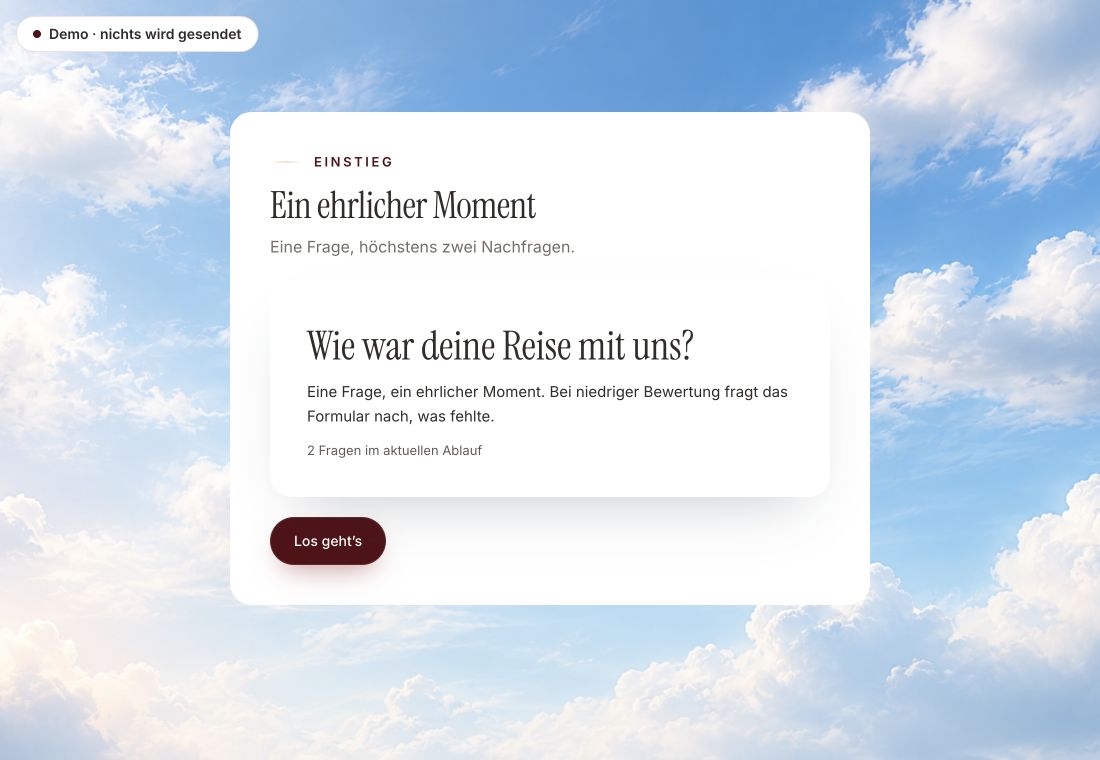
- Original product player
- Try without an account
- No answer saved
01 / Try the player
The same player, a survey example.
The example is the customer voice, a survey in the real Peak Forms player. It doesn't show a quiz's points and results.
Original capture · 26 October 2026 · Product demo No saving, no workspace, no activation.
02 / How it works
A quiz in three steps.
A fictional language school asks about prior knowledge and goals. Each answer counts toward grammar or speaking, and the fitting course level appears at the end.
- 01 / Points
Questions and points
Write the questions and give every answer its points.
Every answer carries its weight.Points per optionPoints for value rangesUp to eight areas - 02 / Results
Set results
Decide which result appears from which score, and check it in test mode.
Which result appears from which score.Up to twelve resultsA message or a buttonCheck it in test mode - 03 / Sort
Share and sort
Share the quiz and then sort responses by score.
Responses by score.Share the quizCollect responsesSort by score



Trust needs clarity
Clear about what happens here.

Scope of this preview
- 01Not guessable
- Points and result rules stay on the server. Opening the page source does not show them.
- 02A safe demo
- Test answers stay in the demo. They are neither saved nor taken into your workspace.
- 03What Peak Forms does not do today
- Peak Forms does not show “right” or “wrong” after each question, only the result at the end. There is no time limit mode and no leaderboard. If you need an exam quiz under time pressure, you will not find it here yet.
The next step
Give every answer its weight.
Start your quiz in your browser, without an account.
Start in your browserPoints and result rules never reach the browser.
Frequently asked questions
Do participants see their score?
Only if you place it in the result text, as a number or a percentage.
Can the quiz lead to a booking?
Yes. A result can show a button to a Peak Booking page. The redirect only happens after a click.
Do I need an email address?
No. If you ask for one, it becomes a contact in Peak One. Without an email the quiz stays anonymous.