
Peak Forms · AI analysis
Understand an inquiry without
reading it three times.
Peak Forms condenses a project inquiry into goal, scope and timeframe and shows what is still open. Every statement links to the original answer, so you never have to trust something you can't check.
What should your form clarify?
Points for fit, need, urgency and decision
The overview is built from the answers themselves. The AI short summary is a suggestion you review, and it is being switched on step by step.

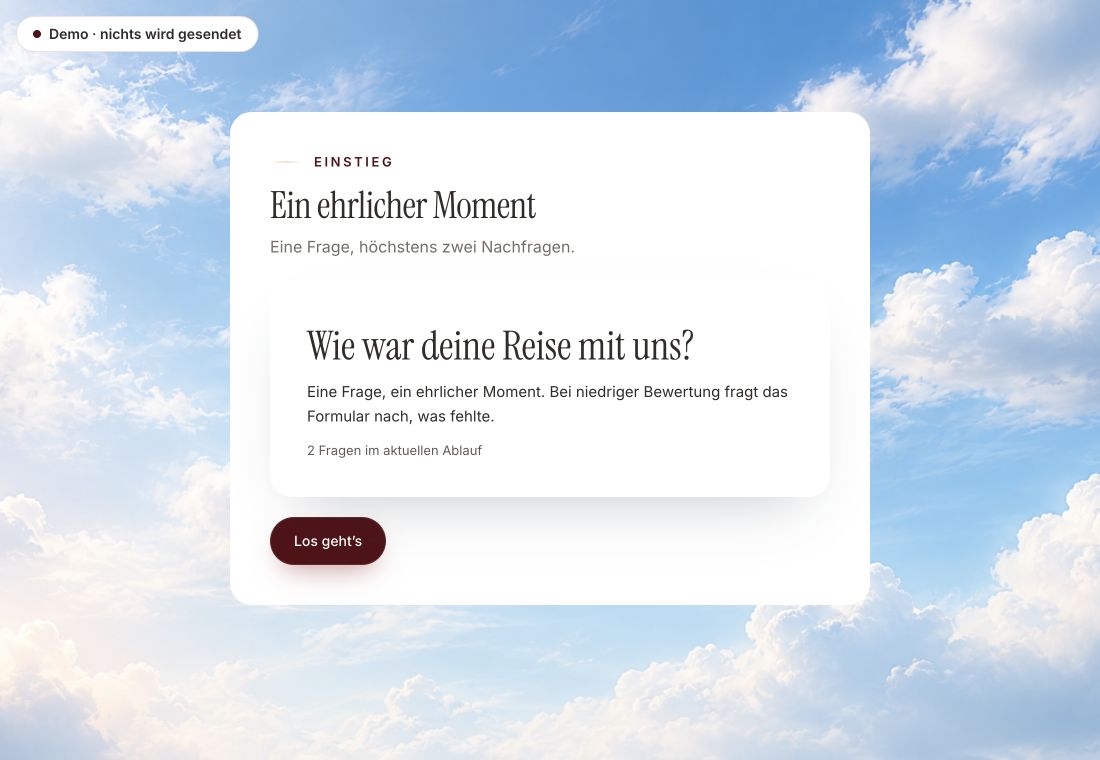
- Original product player
- Try without an account
- No answer saved
01 / Experience the product
Don't just look. Answer yourself.
The customer voice runs in the real Peak Forms player. A low rating opens an additional follow-up.
Original capture · 26 October 2026 · Product demo No saving, no workspace, no activation.
How to use it
From form to a checked decision.
This is the “Project at a glance” panel next to the original answers. What's missing stays visibly open instead of being guessed.
- 01 / One response
Publish a project inquiry
Decide which questions belong to goal, scope and timeframe. The quality check flags questions not yet assigned to a section.
Project inquiry · Website relaunchGoal: More meeting requests through the website · View answerScope: 8 pages, contact form, blog · View answerTimeframe: By the end of March · View answer - 02 / What the analysis does
Open a response
Under Responses, the overview sits next to the original answers. Clicking “View answer” shows where a statement comes from.
Clarity you can check at any time.Facts firstEvery statement has a sourceOpen stays open - 03 / AI analysis
Confirm the next step
Turn the recommendation into a task in Peak Work, or decide differently. For analysis across all responses, use reports and CSV export.
A website inquiry at a glance.Details missing



Trust needs clarity
Clear about what happens here.

Scope of this preview
- 01What the AI analysis can't do
- Peak Forms doesn't rate people: no fit percentages, no automatic rejection. The overview exists today for forms with a project brief result. The AI short summary is being switched on step by step and is blocked for sensitive forms. Topic and sentiment analysis across many free-text responses doesn't exist yet.
- 02Project inquiry · Website relaunch
- Made-up example inquiry for illustration, not a real customer response.
- 03A safe demo
- Test answers stay in the demo. They are neither saved nor taken into your workspace.
The next step
Read less, decide better.
Build your first inquiry without an account and see what Peak Forms makes of the first responses.
Start free in Peak FormsThe overview is built from the answers themselves. The AI short summary is a suggestion you review, and it is being switched on step by step.
AI and free text
What you can use today and what you can't yet.
Short summaries, themes and sentiment in free text sound alike, but they are different features. Here you see for each whether you can use it in Peak Forms today.
Understand one response
- Project at a glanceLive
Goal, scope, timeframe, budget and open points for forms with a project brief result, each linked to the original answer.
Connect in Peak One - AI summaryNot live yet
At most three sentences, each citing the answers it relies on. Sentences without a valid source are discarded. Built, but not generally switched on yet.
Use the webhook until then
Many free-text responses
- Themes and patternsNot live yet
Grouping recurring topics and problems across many responses. Not in Peak Forms yet.
Use the webhook until then - SentimentNot live yet
Classifying the tone of free text, with visible uncertainty. Not in Peak Forms yet.
Use the webhook until then
Frequently asked questions
How do I know a statement is right?
Every statement names the answers it relies on and takes you there with one click. If a valid source is missing, Peak Forms doesn't show the statement.
Does the AI change anything in my responses?
No. Reading and summarizing change neither status nor tasks. If the response changes while the summary is being made, the summary is discarded.
What happens without AI?
The overview with facts, sources and open points works fully without AI. The short summary is an optional extra.
Can I analyze sentiment in customer feedback?
Not yet. Today you see completion rate, drop-offs and decisions in the report, and export free text as CSV.