
Peak Forms · Classify responses
Every response lands in
the right pile right away.
Peak Forms classifies responses by your own rules: qualified, review, doesn't fit or recorded. Then you filter by any answer and turn what matters into a task.
What should your form clarify?
Points for fit, need, urgency and decision
The classification comes from rules you can see. No AI decides quietly in the background.

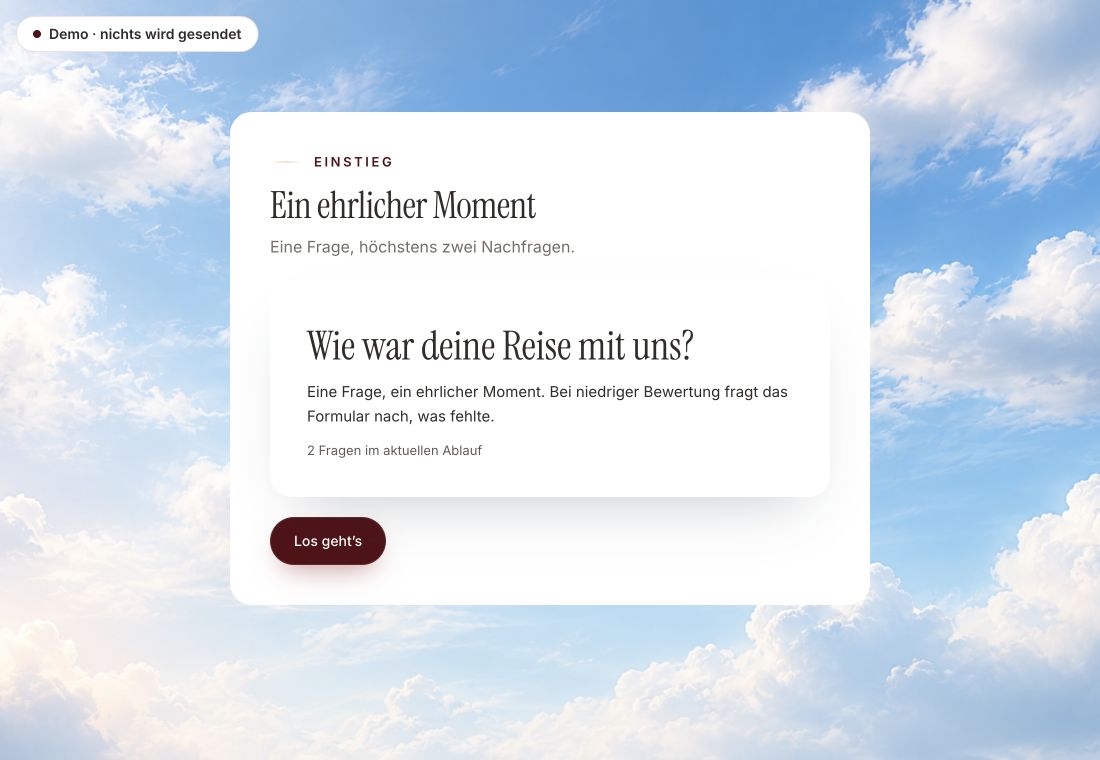
- Original product player
- Try without an account
- No answer saved
01 / Experience the product
Don't just look. Answer yourself.
The customer voice runs in the real Peak Forms player. A low rating opens an additional follow-up.
Original capture · 26 October 2026 · Product demo No saving, no workspace, no activation.
How to start
A sorted list in three steps.
A fictional agency asks about budget, timing and service. Every response gets a rating, and the overview shows first what needs you.
- 01 / What it looks like
Award points
Give points to the answers that matter to you. The lead template comes with an example.
Inquiry from Lena Berger, Studio NordlichtRating: Qualified, 72 pointsWhy?: Budget from €10,000, start this quarterFilter: Service is “Website relaunch” - 02 / What you do with it
Define results
Decide from how many points a response is qualified and when you want to review it.
Rate, sort, filter, act.Four ratingsFilter by answersFolders that think along - 03 / Classify responses
Filter and follow up
Open the responses, filter by what interests you right now and create a task for the important ones.
An agency sorts project inquiries.Response view in Peak Forms



Trust needs clarity
Clear about what happens here.

Scope of this preview
- 01Limits
- Free, self-named tags for responses don't exist today; classification works through rating, folders, filters and notes. Automatic classification or summaries by AI are prepared but not switched on.
- 02Inquiry from Lena Berger, Studio Nordlicht
- Example with fictional people and values. You set the points and thresholds yourself.
- 03A safe demo
- Test answers stay in the demo. They are neither saved nor taken into your workspace.
The next step
See first what needs you.
Set points and results, and your responses sort themselves.
Start free in Peak FormsThe classification comes from rules you can see. No AI decides quietly in the background.
Frequently asked questions
Who decides the rating?
Your rules. Peak Forms shows the first result whose conditions are met and names the reason in the response.
Can I combine several filters?
Yes. You can filter by form, period, folder and answer values and export the result as CSV.
Is this the same as sentiment analysis?
No. Here you classify by fixed rules and answer values. Peak Forms does not analyse free text for sentiment today.