
Peak Forms · Export
Your responses belong to you.
As a file.
With one click you download every response of a form as CSV and open it in Excel, Google Sheets or your analytics tool.
What should your form clarify?
Points for fit, need, urgency and decision
The export rechecks your access to the responses for every part it reads.

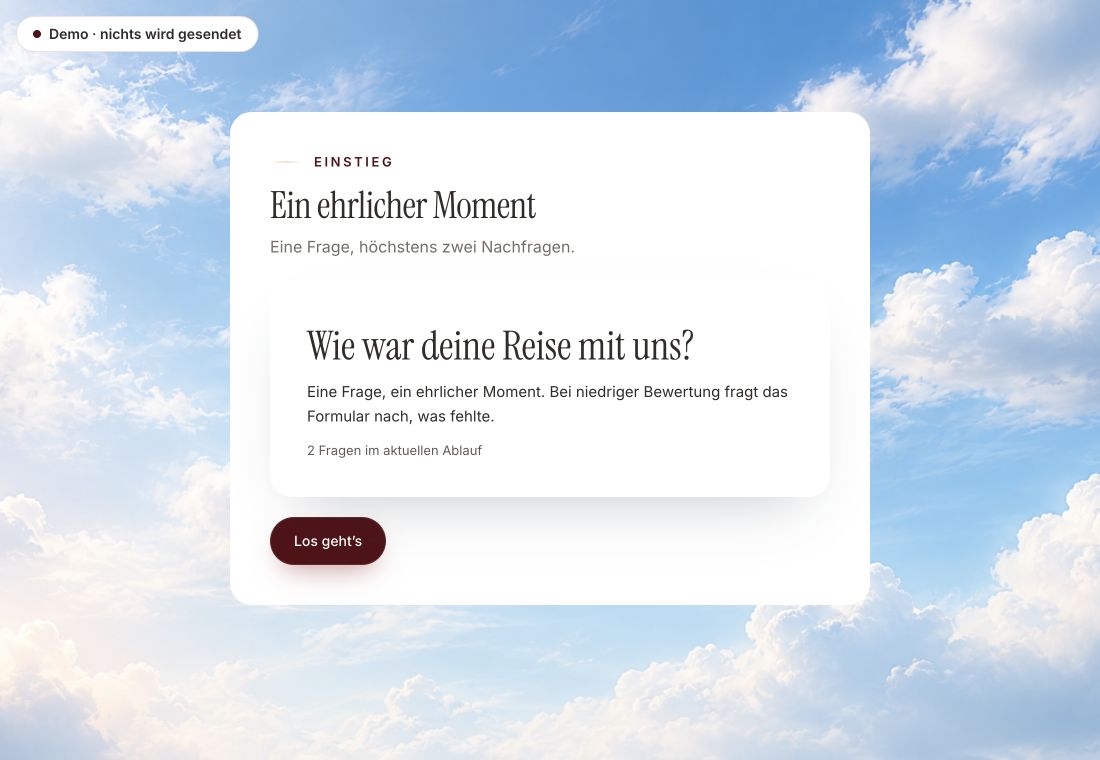
- Original product player
- Try without an account
- No answer saved
01 / Experience the product
Don't just look. Answer yourself.
The customer voice runs in the real Peak Forms player. A low rating opens an additional follow-up.
Original capture · 26 October 2026 · Product demo No saving, no workspace, no activation.
How to export
Three clicks to the file.
The file is UTF-8, so umlauts and accents stay readable. Large exports are streamed in parts and can be resumed.
- 01 / One export file
Open the form
Pick the form under Responses.
peak-forms-….csvFormat: CSV, UTF-8Rows: One per responseColumns: Questions and response data - 02 / What you export for
Start the export
Peak Forms prepares the file. With many responses this takes a moment.
Keep working wherever you like.SpreadsheetsArchiveOther tools - 03 / Export responses
Download
The CSV file lands in your downloads. If the connection breaks, the browser resumes.
One row per response, one column per question.Download from Peak Forms



Trust needs clarity
Clear about what happens here.

Scope of this preview
- 01CSV only
- Peak Forms exports CSV today. A direct Excel or PDF file and an automatic, recurring export don't exist. For ongoing hand-offs to other tools you use webhooks.
- 02peak-forms-….csv
- The exact columns depend on your form.
- 03A safe demo
- Test answers stay in the demo. They are neither saved nor taken into your workspace.
The next step
Collect responses, keep control.
Create your form for free and export whenever you like.
Start free in Peak FormsThe export rechecks your access to the responses for every part it reads.
Frequently asked questions
Is export included in the free plan?
The number of exports per month is listed on the pricing page. Your data stays yours on every plan.
Does Excel open umlauts correctly?
The file is UTF-8. Use “From Text/CSV” in Excel if accented characters look wrong.
Who may export?
Only people with access to the responses. This is checked continuously during the download.